
Walt Disney World has begun testing a new feature in My Disney Experience, which should make it easier to find must-buy merchandise…in theory. Here we’ll share the news and offer commentary about these updates, and the latest on MDX updates.
This is actually the sixth or seventh round of modernizations to the My Disney Experience app in the last couple of years. The most recent of these was consolidating “My Day” and “Future Plans” into “My Plans,” which rolled out last week. You now select the date at top to view your plans for that day. The Tip Board tab is gone but is still listed under “View Wait Times & Showtimes” on the main app menu.
This change was fairly inconsequential in the grand scheme of things, so we didn’t separately cover it, but I view this as a very minor positive for the user experience. As someone with a lot of friends (not to brag or anything) who are locals and APs, the “Future Plans” often required some serious scrolling.
It was to the point that I had been debating unfriending a few folks in MDX to simplify things, which is always awkward. Anyway, being able to select my dates at the top makes things much easier for me. Your mileage may vary. I’m guessing a lot of casual tourists are going to see this as a mostly lateral move…which is precisely why we didn’t previously cover it.
In any case, if you don’t yet see the new “My Plans” space, you might need to update the My Disney Experience app. It should be fully rolled out at this point.

All of the more consequential updates to MDX in the last year-plus have been aimed at streamlining the Advance Dining Reservation (ADR) booking process. And you know what? They’ve been fantastic. The most recent of these were covered in Big Upgrades to Walt Disney World Dining System. I’m not going to rehash all of the changes, but if it’s been a while since you’ve tried to make an ADR, you should check it out. There have been massive leaps forward in the last year-plus!
This site is often critical of Disney IT or skeptical that things will go smoothly, but I can’t think of a single complaint about the MDX app changes of the last two years. They’ve been great. We have spent far less time doing the whole dance–searching, refreshing, rechecking, and so forth.
In fact, Disney IT as a whole seems a lot more reliable and prone to fewer problems lately. Of course, there was the Beak & Barrel ADRrrr Day Debacle and there have been a few outages (blame Amazon for those), but that’s about all I can think of in the last year or so. There was a point when Disney IT meltdowns were a weekly occurrence. Progress!
Anyway, the latest update is that a new feature is now testing in the My Disney Experience app that should make it easier for guests to find merchandise around Walt Disney World down the road. The new feature is called “Find Merchandise,” which enables guests to search for specific items to see which stores carry said souvenirs and whether the items are in stock. Here’s a look:

Ironically enough, finding the “Find Merchandise” feature might be the biggest challenge. Start by scrolling down on the My Disney Experience app homepage; for me, the block was between the Annual Passholder Buzz and the Florida Resident Ticket Deal (you’d think the former would obviate the need for displaying the latter).
Click “Try It Out” if you see the feature. As noted on the homepage, the feature is currently “Now Testing,” so it’s possible that not everyone will have access to “Find Merchandise” right now. In fact, it’s our expectation that this test is likely limited to Annual Passholders and perhaps other MDX power users. Not sure how the latter would be accomplished, so perhaps just APs.
After clicking through, we’re taken to the main Find Merchandise search page. Here you can search for a specific item, check out the top products, or see which categories are trending. Our guess is that the latter two options consist of merchandise that Walt Disney World wants to promote. Probably the high-margin stuff.

The rest of the process is pretty self-explanatory.
You click around, select items, and see where they’re available. I selected this Figment 3D Mug because it’s always been my dream to drink my coffee like the legendary Hannibal Lecter (spoiler alert) ate from the late, great Ray Liotta’s head in the not-so-great 2001 film, Hannibal (now streaming on MGM+).
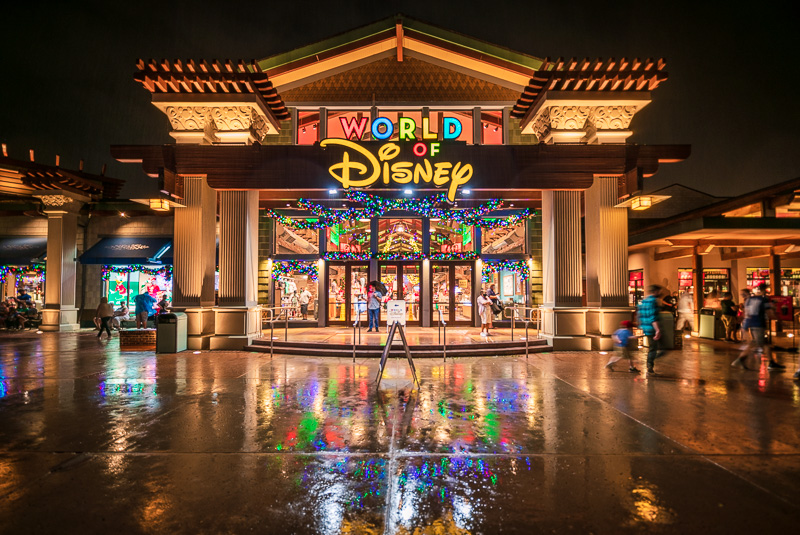
The Find Merchandise feature is currently limited to only the World of Disney store at Disney Springs.

This is another reason why it’s a test, and also why the search options are so limited. I tried to find new Figment merchandise that I know was just released at EPCOT, but that’s not included in the feature since the product pool is only SKUs stocked at World of Disney.
At the risk of stating the obvious, this feature isn’t particularly useful when limited to just one store. Hence it being a test, though. It’ll be interesting to see just how quickly the Find Merchandise tool goes beyond this test and rolls out at all locations and for all guests.
That’s the obvious goal, and the obvious timeframe for accomplishing that is this holiday season, which officially starts on November 14, 2025. Gotta pump up those per guest spending stats this Christmas; the current records are rookie numbers.
What’s most wild about all of this, at least to me, is that Walt Disney World already had this feature (and then some) before killing it off back in 2019! Anyone else remember the Shop Disney Parks app?! That launched in 2015 and was a great tool for locating pretty much anything, pretty much everywhere.
I’m not a big-time shopper, but I remember using that to great success in ~2016-2018. It was also part of a huge marketing push, with features on the Disney Parks Blog, in-room televisions at Walt Disney World, and fliers around the parks & resorts. Walt Disney World was really aggressive with the Shop Disney Parks app for a few years, before it faded away and was unceremoniously discontinued.
It’s amusing how much of what Walt Disney World does is cyclical. Things like this are good ideas, but then new leadership comes along and decides they’re “not worth it” and kills them off. Then someone else comes along and has the bright idea to do that same thing they killed off for no good reason. I can’t even imagine how much time, money and other resources are wasted in the process.
To be clear, I’m not criticizing whoever decided to greenlight the Find Merchandise feature. It really is a bright idea, and whoever decided to undertake the initiative almost assuredly was not the same person or team that decided to kill the Shop Disney Parks app in 2019. I wouldn’t even be surprised if the current team is oblivious to the existence of the Shop Disney Parks app (I hope that’s not the case and assume it isn’t).
It’s just somewhat silly how much ‘reinventing the wheel’ Disney does, and with regularity, all due to a mix of bureaucracy, leadership turnover, and lost institutional knowledge. In isolation, this is good news.
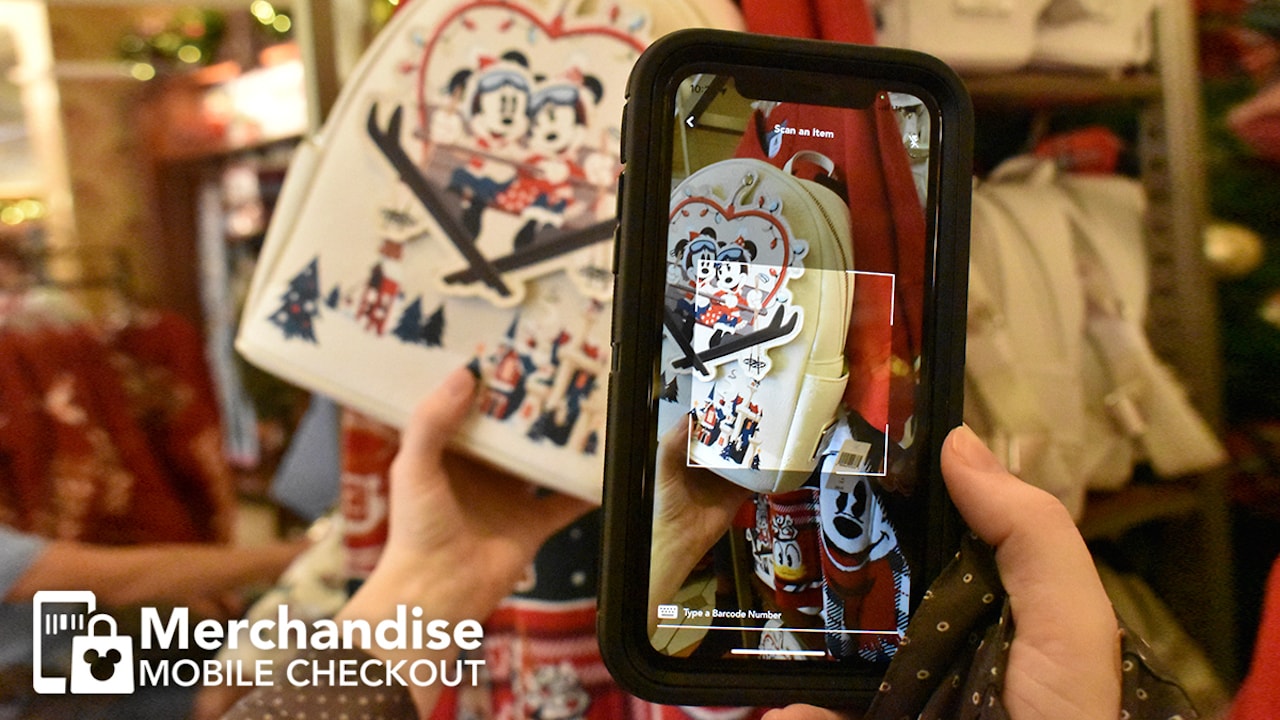
The Find Merchandise feature comes a few years after the launch of ‘Merchandise Mobile Checkout,’ which allows guests to purchase items in-store without waiting in line at select retail locations around Walt Disney World.
Basically, the process is just like self-checkout at the grocery store or other retailers, except there’s no physical kiosk in the store–it’s all via your phone and My Disney Experience. Here are the steps:
- Grab a designated mobile checkout shopping bag in the store
- Scan the items in My Disney Experience that you want to buy, then add them to your bag
- Tap “check out” when finished shopping and ready to pay for the items on your phone
- Show your QR code to a Cast Member upon exiting the store and you’re all set!
- Discounts for Annual Passholders or others are automatically applied during checkout.
By and large, we view these app additions as enhancements to the guest experience. Not having to ask questions about where to find merchandise is a nice feature. Ditto self-checkout. Since waiting in line is such a significant component of visiting Walt Disney World (and will be regardless), the parks & resorts disproportionately benefit from automation like this that eliminates some lines and friction points.

Broadly speaking, there are several great examples of Walt Disney World better leveraging technology since ~2020: MagicMobile, Mobile Order, Table Service To-Go, Walk-up Waitlist, and the Evolv touchless security scanners are all solid improvements to the guest experience. If you want to gain a greater appreciation for some of the entries on the list, just visit Disneyland! Nothing like waiting in line 30+ minutes for bagcheck…but that’s another topic for another day.
Planning a Walt Disney World trip? Learn about hotels on our Walt Disney World Hotels Reviews page. For where to eat, read our Walt Disney World Restaurant Reviews. To save money on tickets or determine which type to buy, read our Tips for Saving Money on Walt Disney World Tickets post. Our What to Pack for Disney Trips post takes a unique look at clever items to take. For what to do and when to do it, our Walt Disney World Ride Guides will help. For comprehensive advice, the best place to start is our Walt Disney World Trip Planning Guide for everything you need to know!
YOUR THOUGHTS
What do you think about these enhancements to MDX app at Walt Disney World? Any other features that are on your wish list for the app? Agree or disagree with our assessment? Any questions we can help you answer? Hearing your feedback–even when you disagree with us–is both interesting to us and helpful to other readers, so please share your thoughts below in the comments!